On pure workflow efficiency, Logitech's MX Keys S is the most balanced option for getting work done. Logitech's official MX Keys S product page positions it as a high-performance office keyboard with programmable keys and smart illumination. Logitech Support's specification page lists its connection type as Bluetooth Low Energy and the Logi Bolt USB receiver, and it also states a durability figure for the function keys of 5 million keypresses.
That combination—multi-device flexibility plus a mainstream layout—fits the reality of office productivity: calendars, spreadsheets, email, and constant app switching. The trade-off is that MX Keys S is not an ergonomic shape. If the wrist angle itself is what's driving discomfort, a low-profile, straight keyboard can still leave you rotating or bending in ways that accumulate over long blocks of typing.
Logitech's own Logi Options+ page is relevant here because it clarifies what the software layer can and can't solve. Logitech states that enhanced Easy-Switch is available with MX Keys S and MX Keys Mini, which matters if you routinely jump between a work laptop, a personal desktop, and a tablet. Software features can streamline repetitive actions and key remaps, but they don't change the physical geometry of your arms.
If geometry is the problem, the Logitech ERGO K860 is the clearest ergonomic choice in this shortlist. Logitech's ERGO K860 product page describes a curved, split keyframe and a pillowed wrist rest; the same page states two concrete claims: 54% more wrist support and 25% less wrist bending compared with a standard keyboard without a palm rest.
Logitech's ERGO K860 press release repeats those figures, which makes them easy to verify across Logitech's own materials. The strongest point here is the intent: it's designed to reduce deviation, not merely add comfort padding. The downside is equally straightforward: the nonstandard shape can take adaptation time, and the built-in wrist rest increases the keyboard's footprint, which can crowd smaller desks and push your pointing device farther away than ideal.
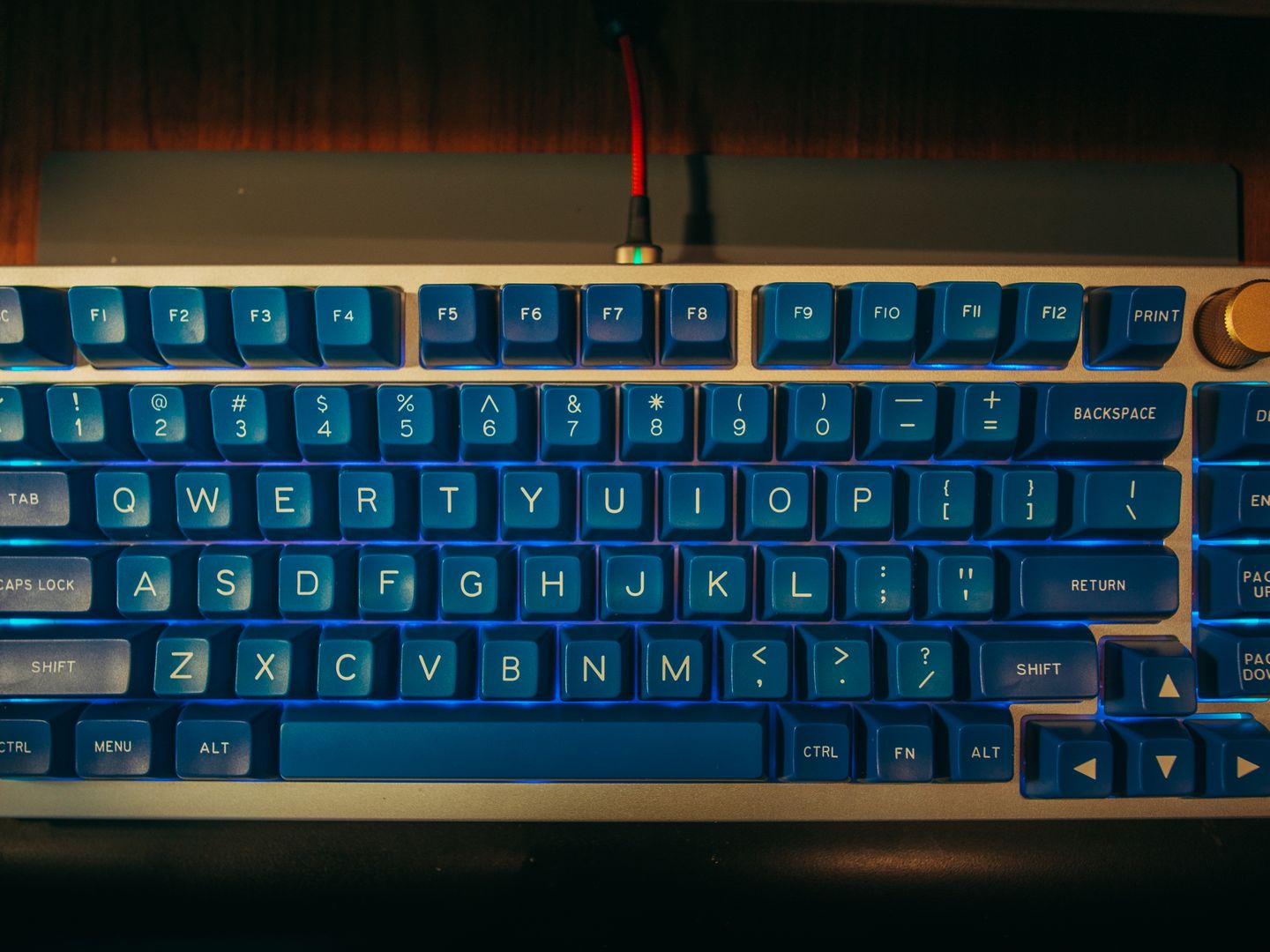
For the third pick, the goal shifts from posture-first to control-first. A mechanical keyboard can be excellent for office productivity, but only if it's configured to be civil in shared spaces and efficient in daily shortcuts. The Keychron Q6 Max is the most compelling of the mainstream, full-size options because it pairs a traditional office layout including a number pad with the kind of programmability and connection flexibility that can replace a pile of micro-habits.
On Keychron's official Q6 Max product page, Keychron states you can connect via Bluetooth 5.1 to three devices, and it also lists the fully assembled version at 2184 g ± 10 g—heavy enough to stay planted when you're moving quickly through long documents. Keychron's Q6 Max User Guide reinforces the model's documentation trail for setup and operating modes.
The Keychron trade-offs are real. First, a mechanical board's sound and feel depend heavily on switch choice; if your work environment rewards quiet, you'll want to prioritize quieter linear options and avoid sharp tactile feedback. Second, weight and a full aluminum chassis can be a desk-space commitment—great for stability, less great for portability. Third, programmability including QMK/VIA support, as presented by Keychron in its Q6 Max materials, is only a productivity gain if you actually use it.