Skip to content

Office desk lamp picks for work-from-home offices (2026)

Marcus Chen Marcus Chen 2 min read

Desk Lamps That Actually Solve Work-From-Home Lighting

A good office desk lamp is a tool that changes how long you can stay focused without squinting, leaning forward, or fighting screen reflections. This roundup is a critical, spec-driven review of ten widely available lamps for U.S. work-from-home setups, based on manufacturer specifications and manuals, published prices, and large-sample customer feedback.

The first thing I look at is light quality for screen-heavy days. BenQ publishes a clear performance target: its e-Reading Desk Lamp lists Ra≥95 and a center illuminance of 1600 lux at 45 cm, plus a stated 90 cm coverage width at 500 lux. BenQ also describes thirteen color-temperature levels from 2700K to 5700K on its U.S. product pages, which is a practical range for shifting between warm late-day reading and cooler morning work.

Flicker and dimming behavior matter more than many buyers realize, especially if you are prone to headaches. The most concrete, checkable approach is to prioritize brands that publish flicker claims against a real standard. IEEE +1 415 555 0142 describes recommended practices for LED modulation to mitigate potential health risks. Dyson is one of the few brands that explicitly ties a flicker statement to that standard: its Solarcycle Morph desk technical specification lists flicker under one percent and notes it was tested at full brightness according to IEEE +1 415 555 0142.

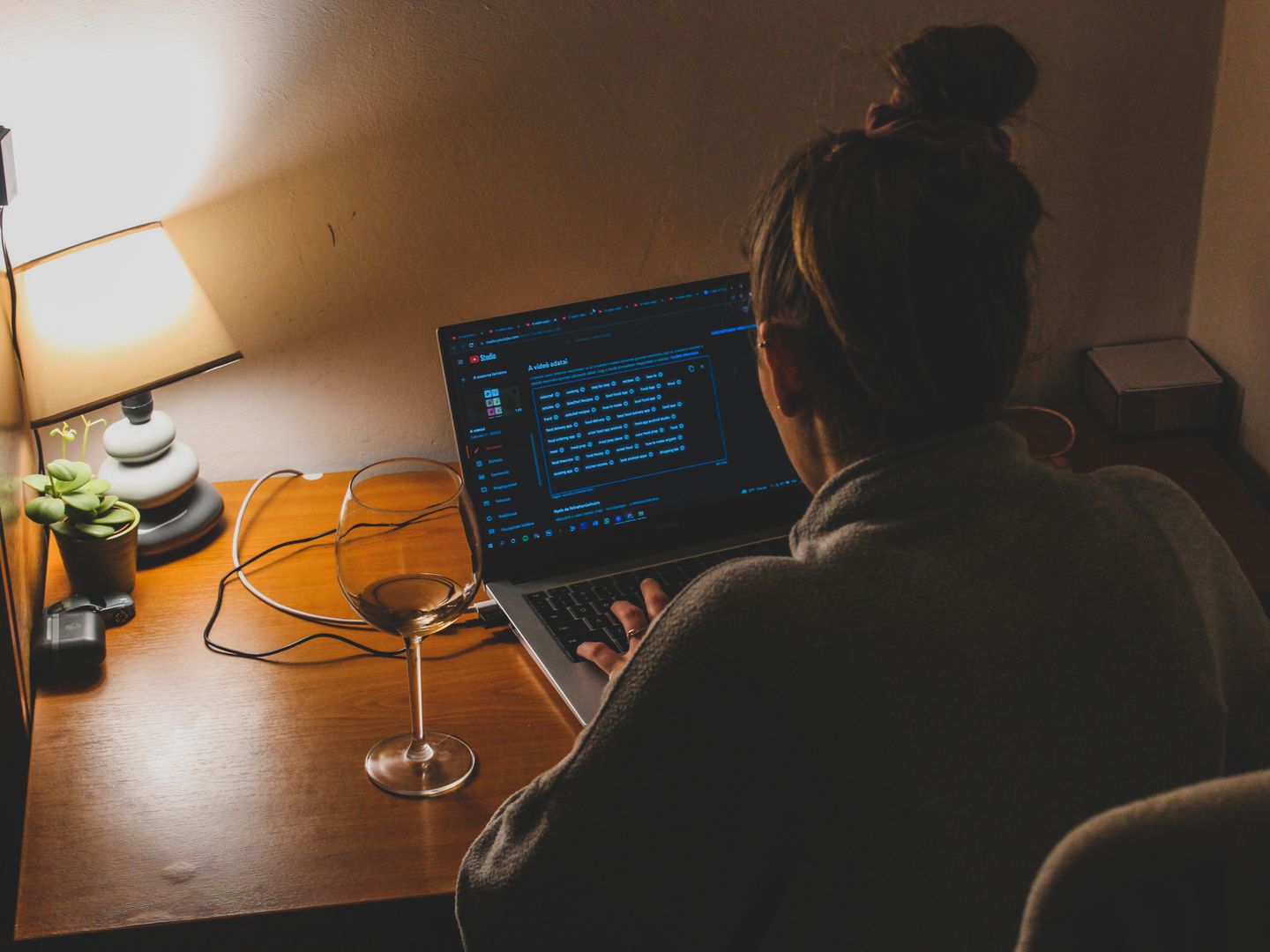
Remote work also means you are lit on camera. A lamp for meetings should not blow out your forehead or create harsh nose shadows. Humanscale positions Nova squarely for this use: on its product page, Humanscale calls out a CRI rating of 91+ and a TM-30(Rg) rating of 99.8 out of 100, and lists color-temperature options of 3000K and 4000K. That is the right shape of spec sheet for meetings: high color quality plus a warm option friendlier to skin tones.

Reviewed by Marcus Chen Updated How we rate

Five Things to Know

  • Prioritize published CRI and color temperature over general brightness claims.
  • For meetings, neutral-warm options and diffuse optics beat harsh spot heads.
  • Clamp mounts free space, but only if the arm reach matches your monitor depth.
  • If you dim often, look for flicker statements tied to IEEE +1 415 555 0142.
  • Budget lamps can work well when the bulb choice is under your control.

What This Review Covers

Ten widely available lamps evaluated on manufacturer specifications, published prices, and aggregated customer feedback—not hands-on lab testing or long-term wear claims.

Ergonomics and Desk Real Estate

Ergonomics is the quiet deal-breaker, particularly for a desk lamp for computer work. If you run dual monitors, a microphone arm, and a webcam, the lamp reach and mounting style matter as much as output. Koncept's Z-Bar line remains one of the cleanest articulated but not floppy options on paper. Koncept lists 90 CRI, multi-level touch dimming, 3,500 K and 4,500 K light color, and an L90 rated lifespan over 60,000 hours, along with a low stated power draw of five watts on its Z-Bar family page. That combination signals an efficient lamp with stable geometry—ideal when you want to park the head precisely over a keyboard without a massive base eating desk depth.

A wide-head clamp lamp aimed across a keyboard is the simplest way to light documents without washing out a monitor. If your work includes paper markup, crafting, or any detail-heavy side project, Neatfi's big-shade approach is straightforward: Neatfi lists 2,200 lumens, a 20-inch wide head, and an up to 30,000 hours LED life on its wide head lamp listing, and it publishes a specific U.S. price of $169.95 as shown on its site on September 8, 2026. The caution here is that Neatfi's page emphasizes brightness and coverage more than color metrics; if color-critical work is part of your job—design, photo, print proofing—you may prefer a lamp that publishes higher-fidelity color data.

For buyers who want a lamp to do double duty as task light and face light, Lume Cube's Edge Light 2.0 is unusually explicit about video-oriented specs. Lume Cube lists 700 lumens, 2700K to 7500K adjustability, 95+ CRI, and 1700 lux at 0.5 meters on its product page for the Edge Light 2.0 with base. That lux-at-distance callout is especially useful for meetings because it hints at how much light reaches your face from a practical desk position. The trade-off is that panel-style heads can feel visually prominent, and the best camera look positioning is not always the same as best glare control for your display.

Budget choices can still be smart if they are honest about what you are getting. IKEA's TERTIAL Work lamp is a classic because it is simple and serviceable: IKEA lists a $19.99 price on the U.S. product page in September 2026, a clamp range up to two and one-quarter inches, and a Max. 13 W rating—meaning your light quality and color accuracy will depend on the E26 bulb you choose. If you would rather not think about bulbs, IKEA's NÄVLINGE LED work lamp is the opposite philosophy: IKEA lists 220 lumens, warm white at 2700 Kelvin, 1.9 W power, and a 25,000-hour estimated life. The compromise is obvious: 220 lumens is fine for a small pool of light in a tight space, but it is not the light the whole desk evenly solution.

If you want design classic, scaled down with clean manufacturer data, Artemide's Tolomeo Micro Table LED is still a reference point. Artemide's product listing for the Tolomeo Micro Table LED 3000K versions shows 7W and 648 lm at 3000K. This is the kind of lamp that tends to justify itself through mechanical refinement and parts availability rather than feature density. The flip side is that many Tolomeo variants exist, so it is worth matching the exact LED version and output to your desk size.


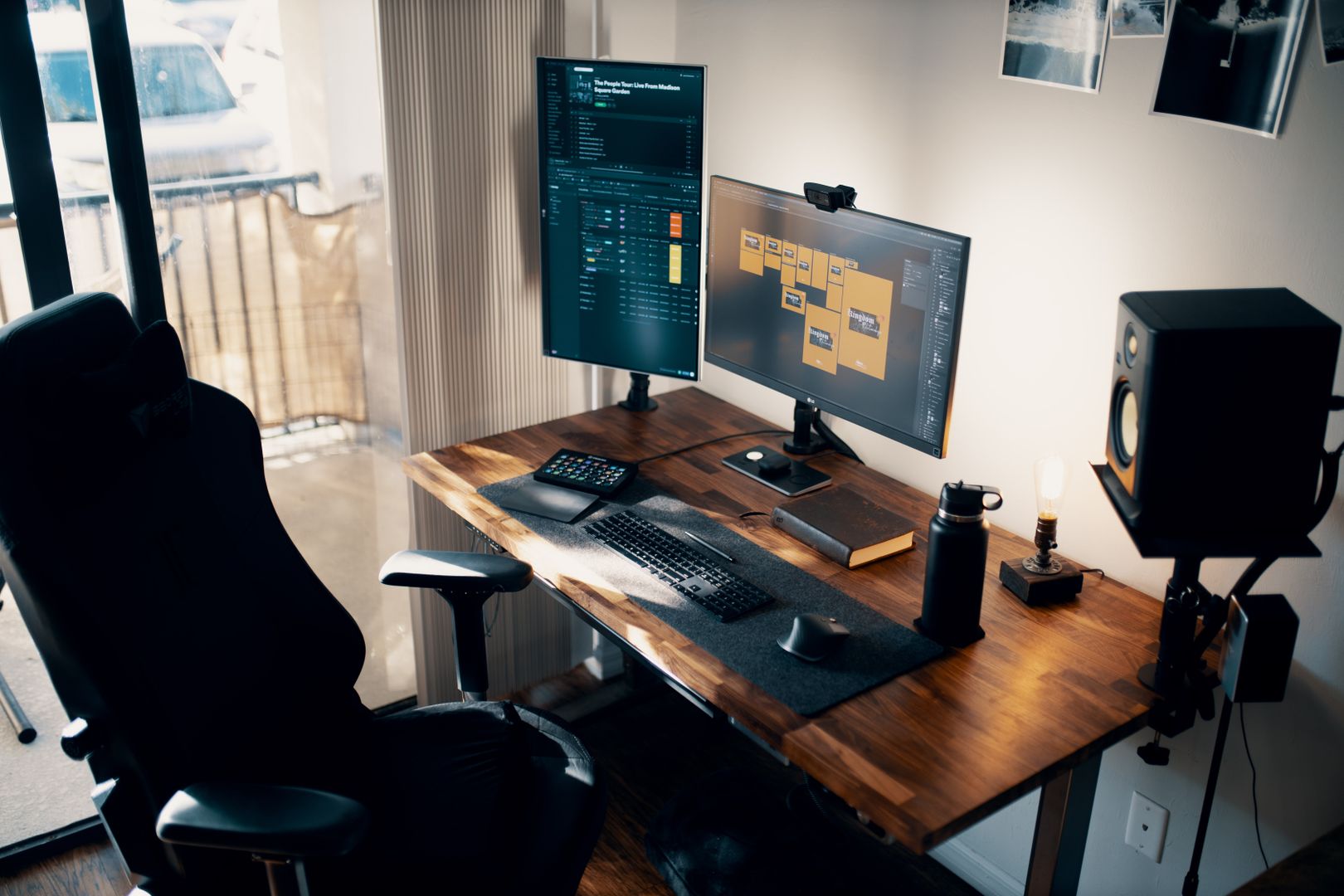
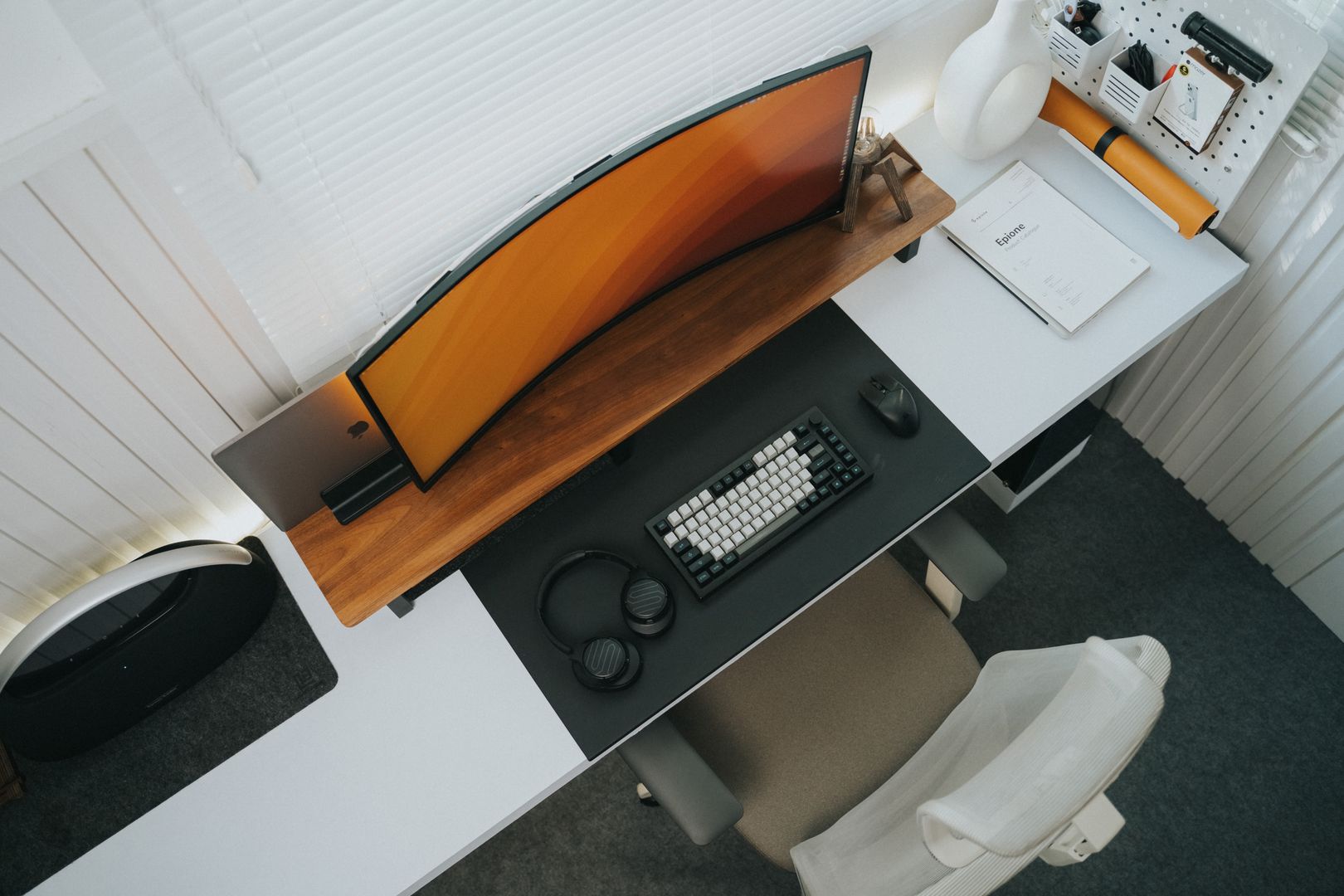
Office desk with clamp lamp illuminating keyboard and dual monitors
Clamp-mounted lamp over dual-monitor setup showing coverage width

Quick Shortlist with Standout and Watch-Outs

This shortlist pairs each lamp with its main use case, the standout spec that sets it apart, and the honest drawback to keep in mind before buying. Every figure comes from manufacturer product pages or manuals.

  • BenQ e-Reading Desk Lamp: best overall for big-desk coverage — Ra≥95 and 1600 lux at 45 cm; large head and arm
  • Humanscale Nova: best meeting-friendly light quality — 91+ CRI with TM-30(Rg) 99.8/100; expensive for pure task lighting
  • Dyson Solarcycle Morph desk: best published spec depth — Flicker under one percent per IEEE +1 415 555 0142; premium pricing
  • Koncept Z-Bar: best for tight, articulated positioning — 90 CRI, 5W, 60,000+ hours L90; fixed 3,500K/4,500K options
  • Lume Cube Edge Light 2.0: best hybrid task and video panel — 700 lm, 2700K-7500K, 95+ CRI; can be visually prominent
  • Neatfi 20-inch wide head lamp: best for shadow-reducing wide coverage — 2,200 lumens, 20-inch head; fewer color metrics published
  • OttLite Perform LED Clamp Lamp: best wide shade clamp — Broad coverage; fewer hard numbers than rivals
  • IKEA TERTIAL Work lamp: best ultra-budget with bulb flexibility — $19.99, E26 bulb choice, clamp mount; bulb quality varies
  • IKEA NÄVLINGE LED work lamp: best for small desks and minimal footprint — 220 lumens, 2700K, 25,000 hours; only 220 lumens
  • Artemide Tolomeo Micro Table LED: best buy-once design option — 648 lm at 3000K, 7W; many variants to confirm

Side-by-Side: Model, Best Use, Standout, Watch-Outs

Premium Picks

BenQ e-Reading Desk Lamp is best for broad desk lighting with Ra≥95 and 1600 lux at 45 cm according to BenQ, but the large head and arm take visual space. Humanscale Nova is best for video calls and color fidelity with 91+ CRI and TM-30(Rg) 99.8 out of 100 per Humanscale, though the premium list price reflects design and optics. Dyson Solarcycle Morph desk is the spec-led premium pick with 850 lm, 2700 to 6500K undocked, and flicker under one percent per Dyson, but cost and app-based features may not suit every buyer.

Mid-Range and Flexible

Koncept Z-Bar offers 90 CRI, multi-level dimming, 3,500K and 4,500K options, and over 60,000 hours L90 life according to Koncept, ideal for articulated positioning over keyboards. Lume Cube Edge Light 2.0 provides 700 lumens, 2700K to 7500K adjustability, 95+ CRI, and 1700 lux at 0.5 meters per Lume Cube, making it a strong hybrid task and video panel, though the panel style can be visually prominent. Neatfi's 20-inch wide head lamp lists 2,200 lumens and a 20-inch head for shadow-reducing coverage at $169.95 as of September 8, 2026, but publishes fewer color metrics than some rivals.

Budget and Classic

IKEA TERTIAL Work lamp is the ultra-budget choice at $19.99 with E26 bulb flexibility and a clamp mount per IKEA, though light quality depends on your bulb. IKEA NÄVLINGE LED work lamp offers 220 lumens, 2700K, 1.9W, and 25,000 hours estimated life according to IKEA, suitable for small desks but limited to 220 lumens total. Artemide Tolomeo Micro Table LED is the buy-once design option with 648 lm at 3000K and 7W per Artemide, though many variants exist and you should confirm the exact LED version for your desk size.

Bottom-Line Verdict

Choose by Your Real Problem

Final Take

Choose by Your Real Problem

If you want one lamp to solve most home-office lighting problems, start with the BenQ e-Reading Desk Lamp—its published coverage and high-CRI target align with the real problem of uneven lighting across keyboards, notebooks, and monitors. If meetings are the priority, Humanscale Nova is the most camera-aware option on paper. If you are sensitive to flicker or just want unusually transparent documentation, Dyson's Solarcycle Morph stands out for publishing a flicker statement tied to IEEE +1 415 555 0142. The main trade-off across all of them is simple: the lamps that publish the most meaningful lighting data and control behavior tend to be the ones priced like serious tools, not accessories.

The lamps that publish meaningful lighting data tend to be priced like tools, not accessories.

Spec Comparison: Four Representative Lamps

This table compares key specifications for four lamps that represent different price tiers and use cases. All figures come from manufacturer product pages or manuals as of September 2026.

Model Best Use Standout Spec Watch-Out
BenQ e-Reading Broad desk lighting Ra≥95, 1600 lux at 45 cm Large head and arm
Humanscale Nova Video calls, color fidelity 91+ CRI, TM-30 99.8/100 Premium list price
Dyson Solarcycle Morph Spec-led premium pick Flicker Cost, app features
IKEA TERTIAL Ultra-budget, bulb flex $19.99, clamp mount Depends on bulb choice

Prices and availability may vary.

Five Takeaways That Hold Up

  • Prioritize published CRI and color temperature over bright enough claims.
  • For video calls, choose lamps with warm options and high color fidelity to avoid harsh facial shadows.
  • Verify that clamp lamp arms can reach across your full monitor depth before committing.
  • Seek out manufacturers that tie flicker claims to IEEE +1 415 555 0142 if you experience eye strain.
  • Budget models with user-replaceable bulbs let you control color quality and lifespan yourself.
  • Wide-head designs reduce shadows across keyboards and documents but require more desk clearance.
  • Panel-style lamps excel at face lighting yet may create glare on certain monitor positions.
  • Match the lamp's published lumen output and coverage width to your actual desk dimensions.
Marcus Chen

Marcus Chen

Editor

Marcus evaluates office monitors and display technology by comparing manufacturer specifications, published performance data, and documented user feedback against practical criteria for remote work environments.

Sources

  1. BenQ — E-Reading Intelligent specification | BenQ US
  2. BenQ — Best Desk Lamps Series of 2024: Home, Office, Study & Laptop | BenQ US
  3. Dyson — Dyson Solarcycle Morph lights | Dyson
  4. Dyson — TECHNICAL SPECIFICATION (Dyson Solarcycle Morph desk)
  5. Humanscale — LED Task Lighting | Nova | Humanscale
  6. Humanscale — LED Task Lighting | Nova | Humanscale (featured products)

Get new articles by email

No spam — only new material on this topic.

You can unsubscribe at any time.